Storecheck

Find every problem that can get your store suspended.

Storecheck reads your whole Shopify store, in every market and language it sells in, and compares it with your Merchant Center notice. You get a clear report: what is wrong, where, and how to fix it. Fixed price, follow-up scan included.

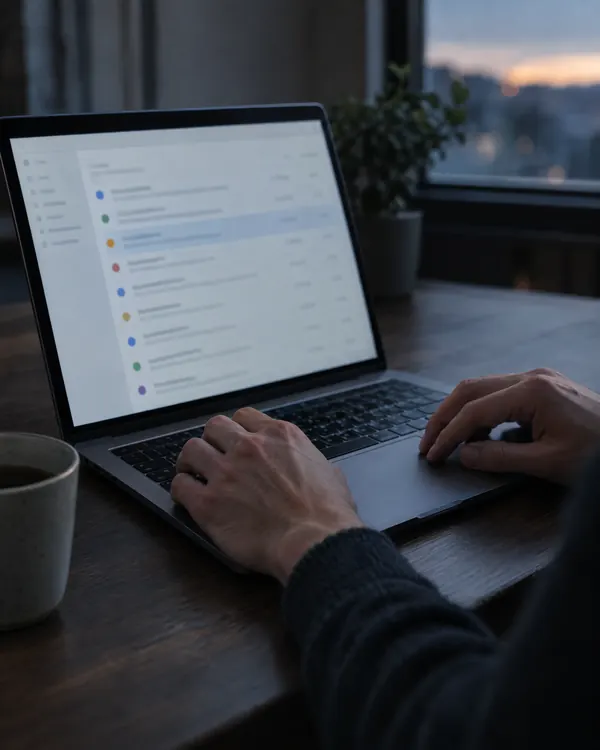
A Storecheck report with its list of findings open on a laptop

This is the format you receive.

SC-014ConflictConfirmed conflictFictional example

Conflicting return periods

The product page and the returns policy state different return periods for the same offer and market. A customer cannot tell which one applies.

Source AProduct page
“30-day returns”
https://example-store.test/products/example
Source BReturns policy
“14-day returns”
https://example-store.test/policies/refund-policy
Details needed
The actual return period for this product and market. The conflicting pages do not establish which period applies.
Task
Set your actual return period. Back up the current content, then use that period on both pages and in every other affected location.
Done when
Your actual return period appears consistently at all affected live locations within the review scope.
Format of a Storecheck finding. No website was visited for this example.
Read the sample report

What is included and what is checked

The exact page and product scope is agreed before purchase.

What is included

A report you can work with
Documented findings with IDs, sources and specific tasks. For you, your team or your AI.
One follow-up scan
After your corrections, the original findings are checked again on the same domain.
Clear limits and open questions
Missing evidence stays visible in the report. Google alone decides whether to approve an account.
Account evidence cross-checked
Screenshots you add from your Merchant Center account are listed as sources and read against the store findings.

What is checked

Store pages and policies
Contact, business, shipping and returns information on the reviewed pages. Conflicts are documented with their sources.
Products and claims
Visible product information and its technical representations, where captured within the agreed scope and meaningfully comparable.
Merchant Center screenshots (optional)
The notice, the account issues page and product-level warnings you share. Each account issue is linked to the matching store finding.
Missing evidence and limitations
Missing facts, technical failures and account or feed information you have not provided are named instead of guessed.

How a Storecheck runs

From your first message to the follow-up scan.

  1. Message us on WhatsApp

    Tell us about your store and, if you have them, share screenshots of your Merchant Center notice. We agree on the scope and delivery time before you pay.

  2. Every page is read and compared

    Product pages, policies, contact and legal pages and product data are compared with each other and with your Merchant Center screenshots, in every market and language.

  3. You receive your report

    Every problem with the exact page, a quote and a clear task. Missing business details are listed, nothing is guessed.

  4. Fix it, then it is checked again

    Make the corrections yourself or have them made for you. The follow-up scan checks the same findings again.

Fixed price

Your whole store, in every market and language it sells in, plus one follow-up scan after your corrections. Price in EUR without VAT. Scope and delivery time are confirmed with you before you pay.

€100Fixed one-time price, one follow-up scan included

Questions about Storecheck

Questions? Chat on WhatsApp